

Ever had that moment when you see an unknown number flash across your iPhone screen and wonder if it’s a secret admirer or just another telemarketer trying to sell you a lifetime supply of rubber ducks? You’re not alone. The mystery of the unknown caller can be both intriguing and annoying. But fear not! With a few simple steps, you can unravel the enigma and call back that mysterious number without breaking a sweat.
Understanding Unknown Numbers
Receiving calls from unknown numbers often sparks curiosity or anxiety. Many individuals wonder about the identity of the caller. Unknown numbers can be telemarketers, scammers, or legitimate contacts. Differentiating between these possibilities proves essential to avoid unwanted solicitations or potential fraud.
Identifying unknown numbers starts with checking recent call history. iPhones display unknown numbers in the recent calls list. By tapping on the “i” icon next to the number, users can see options like “Block this Caller” or “Copy Phone Number,” which helps in determining whether to call back.
Utilizing third-party apps provides additional information. Certain apps can identify callers and give insight into their background or association. Many users find this especially useful for avoiding spam calls.
Moreover, messaging services and social media might offer clues. Some individuals leave voicemails or texts after a call from an unknown number. These messages can indicate reason or urgency for the call.
Blocking persistent unknown numbers becomes vital when spam calls become disruptive. iPhones include an option to block specific numbers, preventing future calls and providing peace of mind.
Data shows that many people do not answer calls from unknown numbers. According to a recent survey, approximately 80% of respondents cited spam as a reason for their hesitance. Ensuring personal and financial information stays secure remains a top priority.
Checking Your Recent Calls
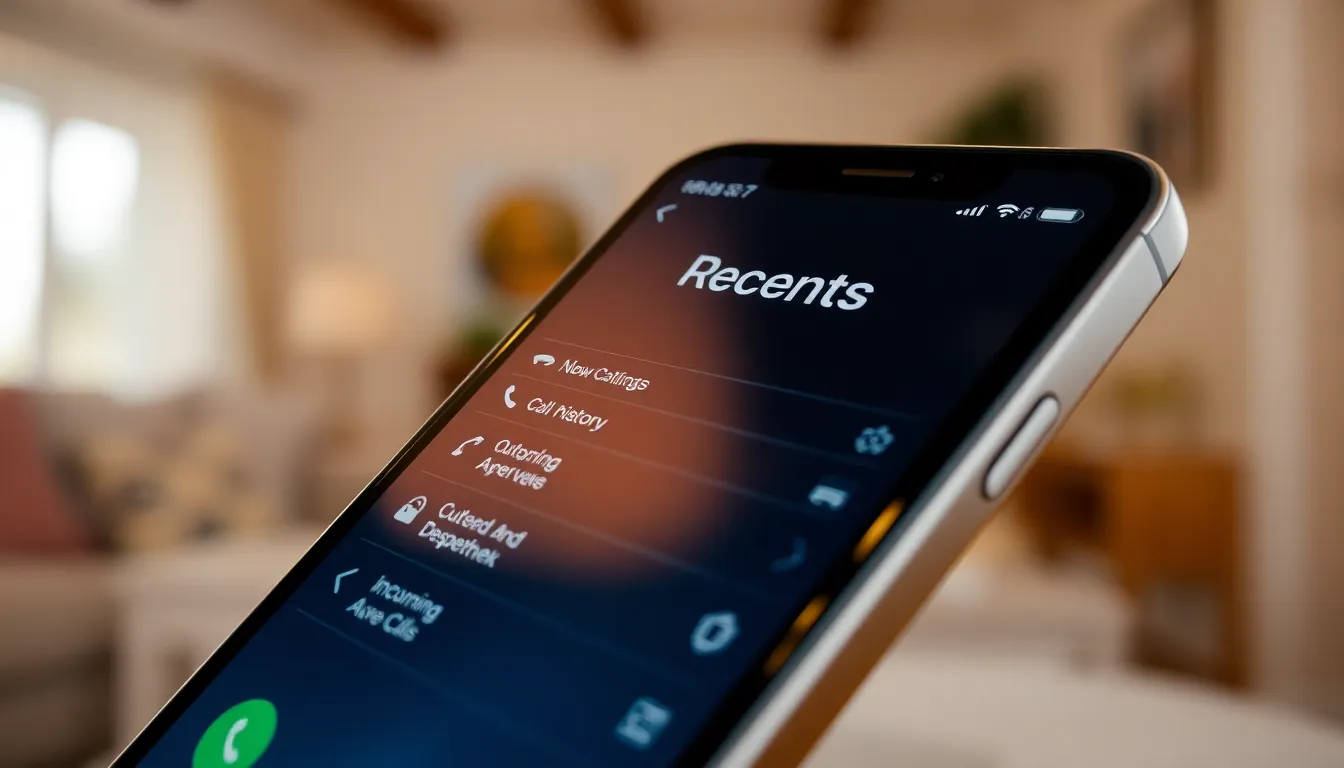
Checking the recent calls feature on an iPhone provides a straightforward method to manage unknown numbers. Users can easily refer to their call history to find the number that called.
Viewing Call History
To view the call history, users need to open the Phone app and tap on the “Recents” tab. This section lists all incoming, outgoing, and missed calls. Each entry displays the caller’s number or name if saved in contacts. Tapping the “i” icon next to a number reveals more options like blocking the caller or sharing the number. Keeping track of recent calls helps users identify persistent unknown callers more effectively.
Identifying the Unknown Number
Identifying unknown numbers involves looking more closely at the call history. Users can also take advantage of online reverse phone lookup services to gather information about unfamiliar numbers. Such services often reveal the owner’s name or location, offering better insight. If the unknown number corresponds to a recent voicemail or text message, reviewing those can provide additional context. Moreover, knowing that about 80% of people hesitate to answer unknown calls emphasizes the importance of screens and thorough checks before dialing back.
Utilizing Carrier Services
Carrier services provide options for identifying and returning calls from unknown numbers. These features add an extra layer of convenience for iPhone users.
Features Offered by Major Carriers
Major carriers offer services that enhance call management. Verizon provides Caller ID, displaying the name of incoming callers. AT&T offers a similar feature with its Call Protect service, which blocks unwanted calls. T-Mobile features Scambuster, identifying potential spam calls in real time. Sprint users can access Call Screener, which helps filter out unwanted calls. Each carrier’s offerings simplify the process of managing unknown numbers.
Steps to Access Carrier Call Features
Accessing carrier call features involves a few straightforward steps. Users must first check with their service provider to ensure features are activated. Opening the Phone app allows users to navigate to settings. Users can typically find options under “Call Settings” or “Caller ID” to customize their preferences. After activating features, users receive alerts for unknown numbers. Returning calls becomes easier with enhanced caller information readily available.
Using Third-Party Apps
Third-party apps enhance the ability to call back unknown numbers on an iPhone. These applications help identify callers while providing various features for effective call management.
Popular Apps for Call Back
Truecaller ranks among the most popular options, offering caller ID and spam filtering. Hiya stands out with its comprehensive database, helping to identify unknown numbers. RoboKiller prevents irritating robocalls and provides users with information about callers. All of these apps keep user data secure while improving the call experience.
How to Use These Apps
Using these apps begins with downloading them from the App Store. After installation, users must grant necessary permissions to access contacts and call logs. Activating the call identification feature within the app allows it to screen incoming calls. Users can then view caller details when an unknown number calls. Calling back becomes easy with the provided information about the number’s origin.
Safety and Privacy Considerations
Calling back an unknown number raises several safety and privacy concerns. Users should prioritize their personal information and remain vigilant against potential scams. Unknown callers may represent telemarketers or fraudsters aiming to access sensitive data.
Evaluating the context before returning the call is crucial. Listening to voicemail messages or checking for texts offers insight into the caller’s intentions. Accessing third-party apps can greatly enhance this process, as they identify callers and flag potential spam.
Blocking persistent unknown numbers serves as an effective preventive measure. About 80% of individuals avoid answering calls from unknown numbers due to security fears, showing a widespread awareness of threats. Understanding the risks allows users to make informed decisions about engaging with unfamiliar callers.
Utilizing built-in features from cellular carriers can add an additional layer of security. Major providers, like Verizon, AT&T, T-Mobile, and Sprint, offer services to identify or filter unwanted calls. These features enable users to manage unknown calls more effectively and reduce potential privacy breaches.
Ensuring the privacy of one’s own data is paramount when using third-party apps. Popular applications like Truecaller and Hiya provide caller identification, but users must be cautious about the permissions they grant. Read app reviews and understand data handling practices before installation to maintain control over personal information.
Using these precautions facilitates safer communication while managing unknown calls. Remaining informed promotes a better experience when dealing with unfamiliar numbers, balancing curiosity with caution.
Navigating calls from unknown numbers can be challenging but with the right strategies it’s manageable. By utilizing the iPhone’s built-in features and exploring third-party apps users can effectively identify and call back unknown callers while minimizing risks.
Prioritizing personal safety and privacy remains crucial when dealing with unfamiliar numbers. Making informed decisions based on context and available information can lead to safer communication. With these tools and tips at their disposal users can regain control over their call experience and reduce uncertainty surrounding unknown callers.

