

Spam calls can feel like an unwanted party crashing your peaceful day. Just when you think you’re enjoying a moment of tranquility, that familiar ringtone blares, and it’s yet another robot or overly enthusiastic telemarketer trying to sell you a timeshare in the Bermuda Triangle. It’s enough to make anyone want to throw their phone out the window.
Understanding Spam Calls
Spam calls occur when unsolicited or unwanted phone calls disrupt daily routines. These interruptions primarily stem from telemarketers and robocalls targeting individuals for sales or scams.
What Are Spam Calls?
Spam calls consist of unsolicited communication from unknown or unreliable sources. Telemarketers and fraudsters often initiate these calls to sell products or solicit personal information. Identifying spam calls relies on recognizing certain patterns in caller behavior and numbers.
Common Characteristics of Spam Calls
Spam calls share identifiable traits. Often, they display unfamiliar or suspicious caller ID numbers. Robocall practices typically involve prerecorded messages. Frequent times for these calls often align with early morning or late evening hours. Callers may employ pressure tactics or urgency to manipulate recipients.
Built-In iPhone Features
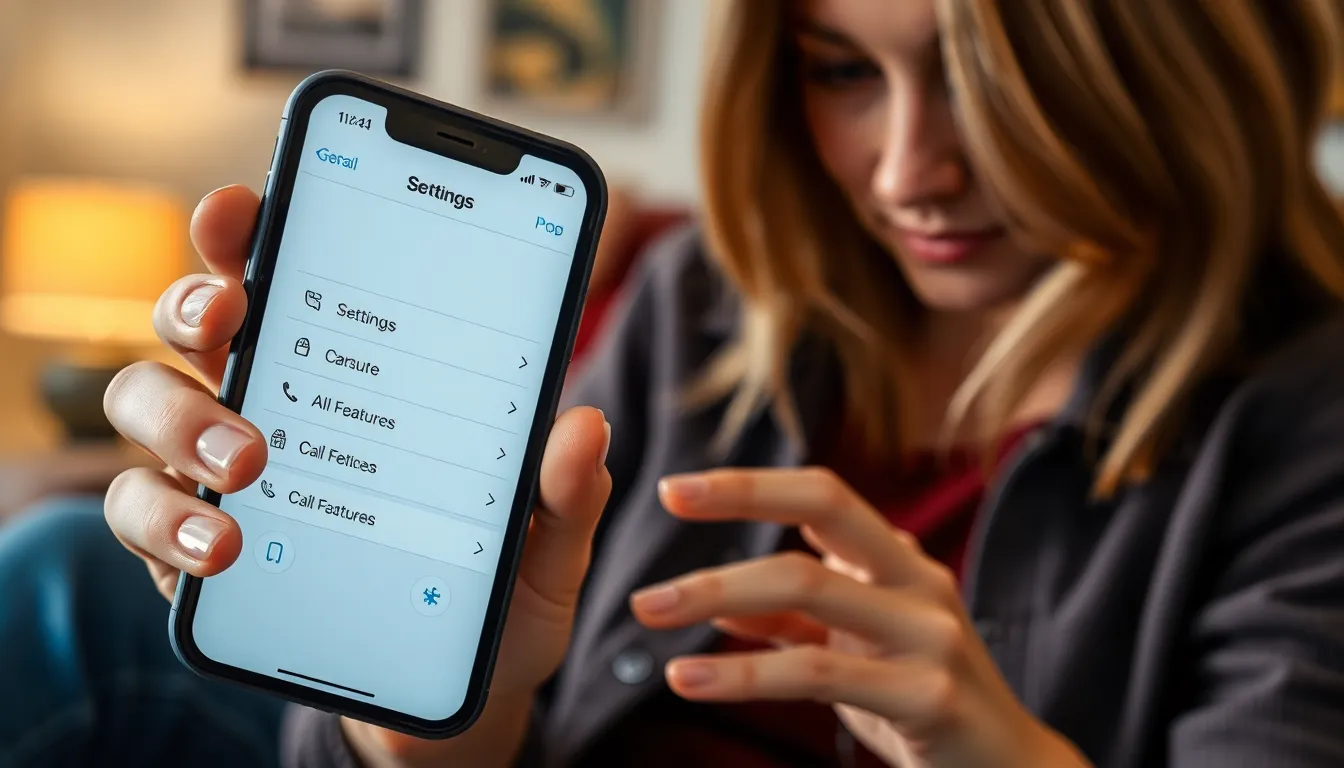
iPhone users can utilize several built-in features to minimize spam calls effectively. These functionalities offer convenient ways to filter unwanted calls.
Silence Unknown Callers
Silencing unknown callers helps manage unwanted disruptions. This feature sends calls from unknown numbers directly to voicemail. Users benefit from receiving fewer interruptions, allowing them to focus on important tasks. To activate this feature, go to Settings, select Phone, and enable Silence Unknown Callers. It’s suitable for individuals who often receive unsolicited calls from unfamiliar numbers.
Block Specific Numbers
Blocking specific numbers provides direct control over incoming calls. Users can easily mute persistent telemarketers or annoying contacts. To block a number, open the Phone app, navigate to Recents, tap the information icon next to the number, and select Block this Caller. This action prevents further contacts from that number, ensuring a more peaceful phone experience.
Third-Party Apps
Utilizing third-party apps can significantly enhance spam call prevention on iPhones. These applications offer robust features designed to identify and block unwanted calls effectively.
Popular Apps for Spam Call Prevention
Several apps stand out in the realm of spam call prevention. Truecaller provides real-time caller identification and a community-driven spam list. Hiya automatically blocks known spam numbers, delivering a streamlined calling experience. Nomorobo employs a unique method to combat robocalls, utilizing a constantly updated database of spam numbers. Users often appreciate RoboKiller for its advanced blocking capabilities and personalized response options.
How to Choose the Right App
Selecting the ideal app depends on specific user needs. Start by assessing the app’s features, such as spam detection accuracy and call-blocking efficiency. Evaluating user reviews can provide insight into real-world performance. Look for applications that offer a free trial period, allowing firsthand experience before commitment. Finally, ensure compatibility with the latest iOS updates to maintain optimal functionality.
Carrier Services
Carrier services offer an additional layer of protection against spam calls. Many mobile carriers provide features designed specifically to identify and block unwanted calls for their customers.
Overview of Carrier Call Blocking Services
Major carriers like AT&T, Verizon, and T-Mobile provide call blocking services. These services typically utilize advanced technology to analyze incoming calls. Fraudulent numbers may receive automatic alerts, warning users about potential spam. The features often include options for real-time call identification including visual indicators for known spam numbers. Users can subscribe to these services, which may come at no additional cost or a nominal fee. Carrier solutions prioritize user comfort by minimizing disruptive calls while providing a more focused phone experience.
How to Enable Carrier Spam Protection
Enabling carrier spam protection requires a few simple steps. First, access the phone settings and navigate to the call settings section. Here, one might find options related to spam protection provided by the carrier. For example, AT&T users can activate Call Protect by enabling the feature within the AT&T app. Verizon customers can switch on Call Filter via the My Verizon app. Each carrier’s activation process may slightly differ, so recognizing specific instructions provided by the carrier proves beneficial. Trusting carrier services enhances the overall spam protection users receive, optimizing their daily calling experience.
Best Practices
Implementing effective practices can significantly reduce spam calls on iPhones. Users can explore specific strategies to minimize interruptions from telemarketers and robocalls.
Tips to Minimize Spam Calls
Enable “Silence Unknown Callers” to send calls from unfamiliar numbers straight to voicemail. Consider using the built-in “Block This Caller” feature for repeat offenders. Regularly check the Call Blocking & Identification settings to ensure authorized apps filter spam effectively. Utilizing a reputable third-party app can increase protection with advanced features, such as real-time blocking and caller identification. Subscribing to your carrier’s spam protection service often provides an added layer of defense against unwanted inquiries.
When to Report Spam Calls
Reporting spam calls plays an essential role in combating phone scams. File complaints with the Federal Trade Commission (FTC) after receiving suspicious calls, especially those soliciting personal information. Document the caller’s number, time, and nature of the call to provide accurate information. Contacting your carrier to report persistent spam can result in further proactive measures being taken. Reporting these calls helps authorities identify trends and protect others from falling victim to scams.
Taking control of spam calls on an iPhone is essential for a smoother phone experience. By utilizing built-in features like “Silence Unknown Callers” and blocking specific numbers users can significantly reduce unwanted interruptions. Third-party apps and carrier services add an extra layer of protection ensuring that users stay one step ahead of persistent telemarketers and fraudsters.
Incorporating these strategies not only enhances personal peace but also contributes to a wider effort against phone scams. By staying proactive and informed users can enjoy their devices without the constant annoyance of spam calls.

